Software · Beta
SnapOCR
Screenshots that land on your clipboard, and on-screen text you can copy in place.
SnapOCR is a small screenshot and OCR utility that stays out of the way. It does not try to be a large capture workspace. It focuses on two ordinary jobs and makes each one a step faster.
Screenshots, one step shorter
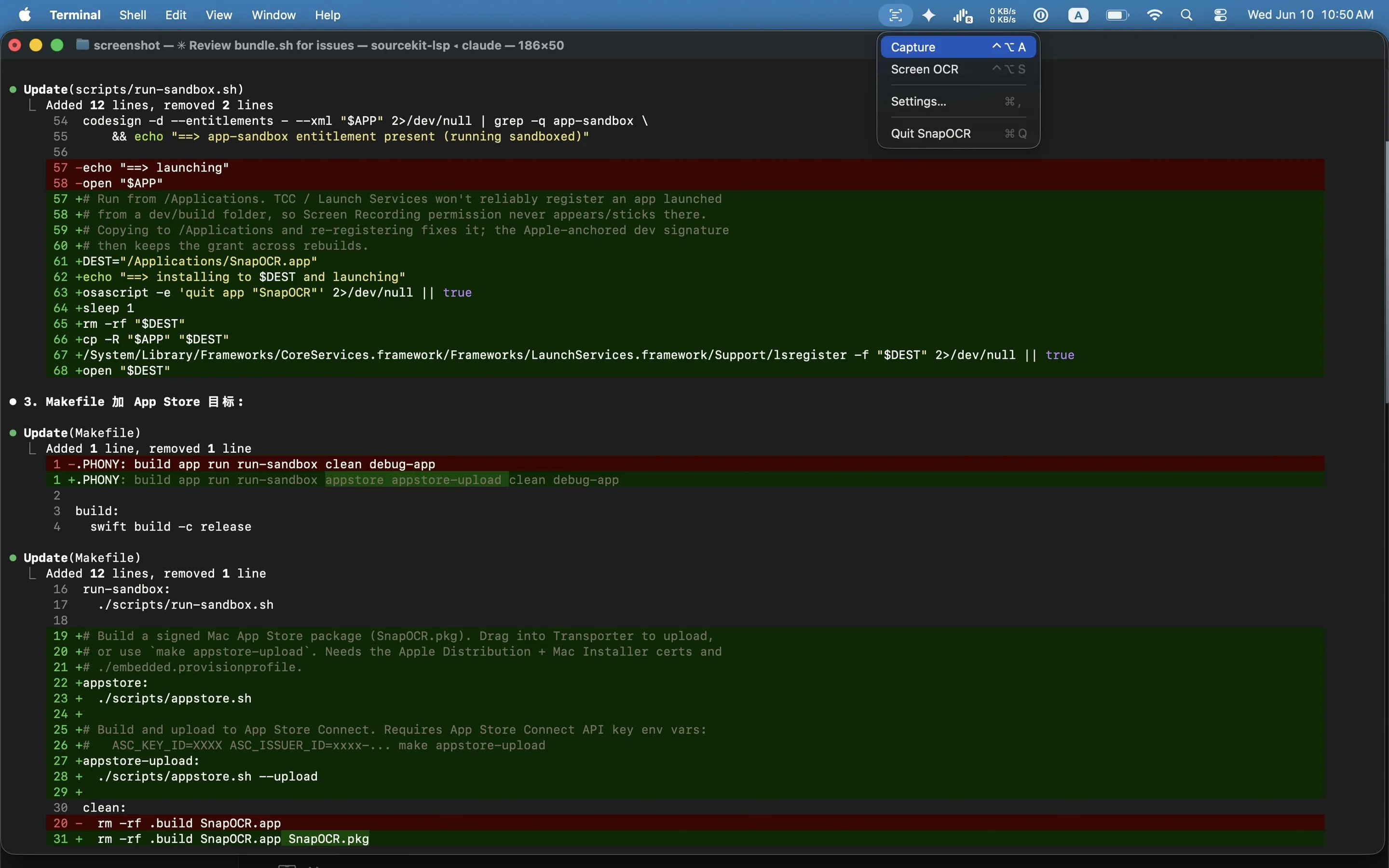
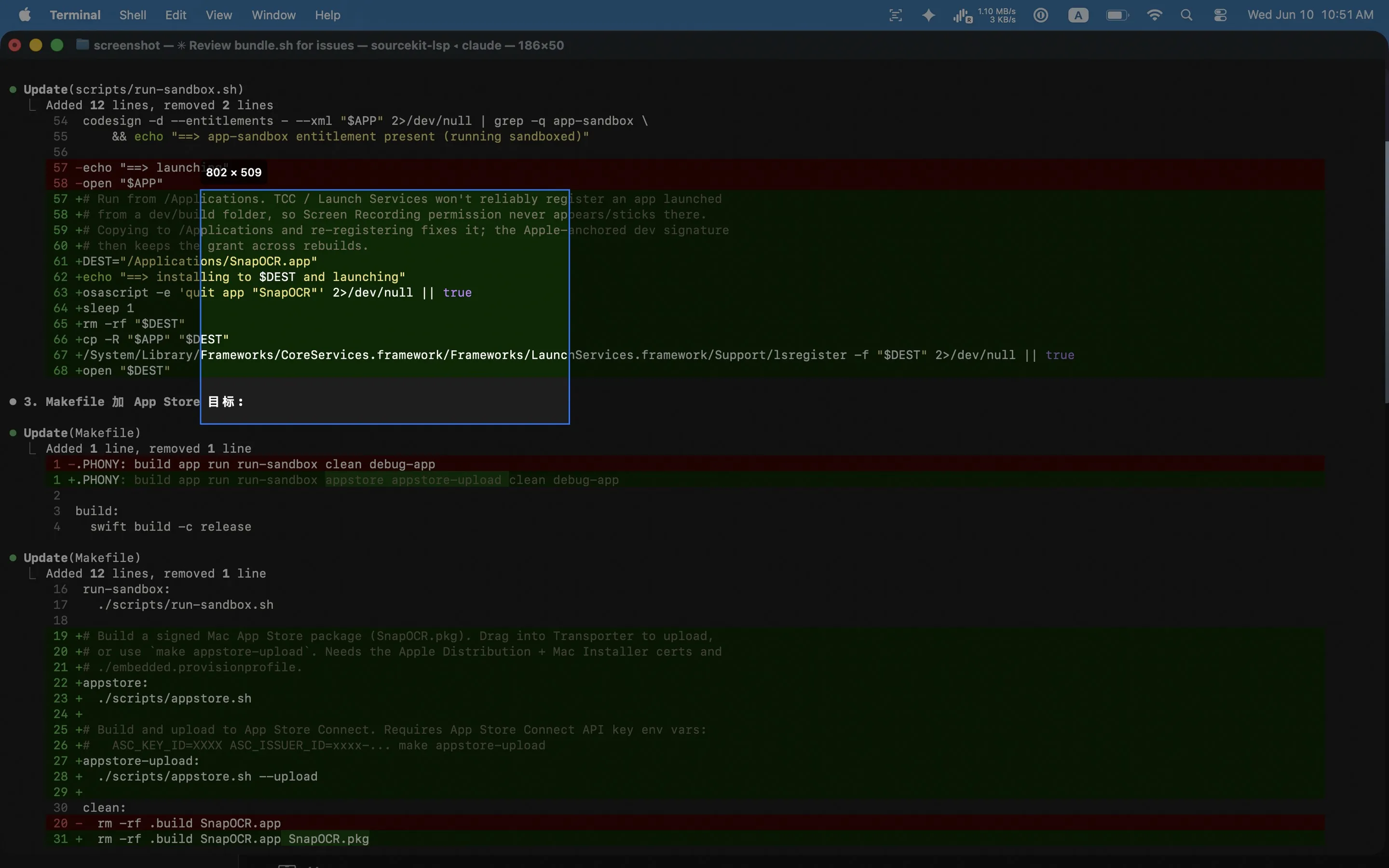
Select a region and release the mouse. The image lands directly on your clipboard, ready to paste. There is no file to find and no extra modifier key to remember. If you do want to keep it, press S to save a copy.
Copy text from anywhere on screen
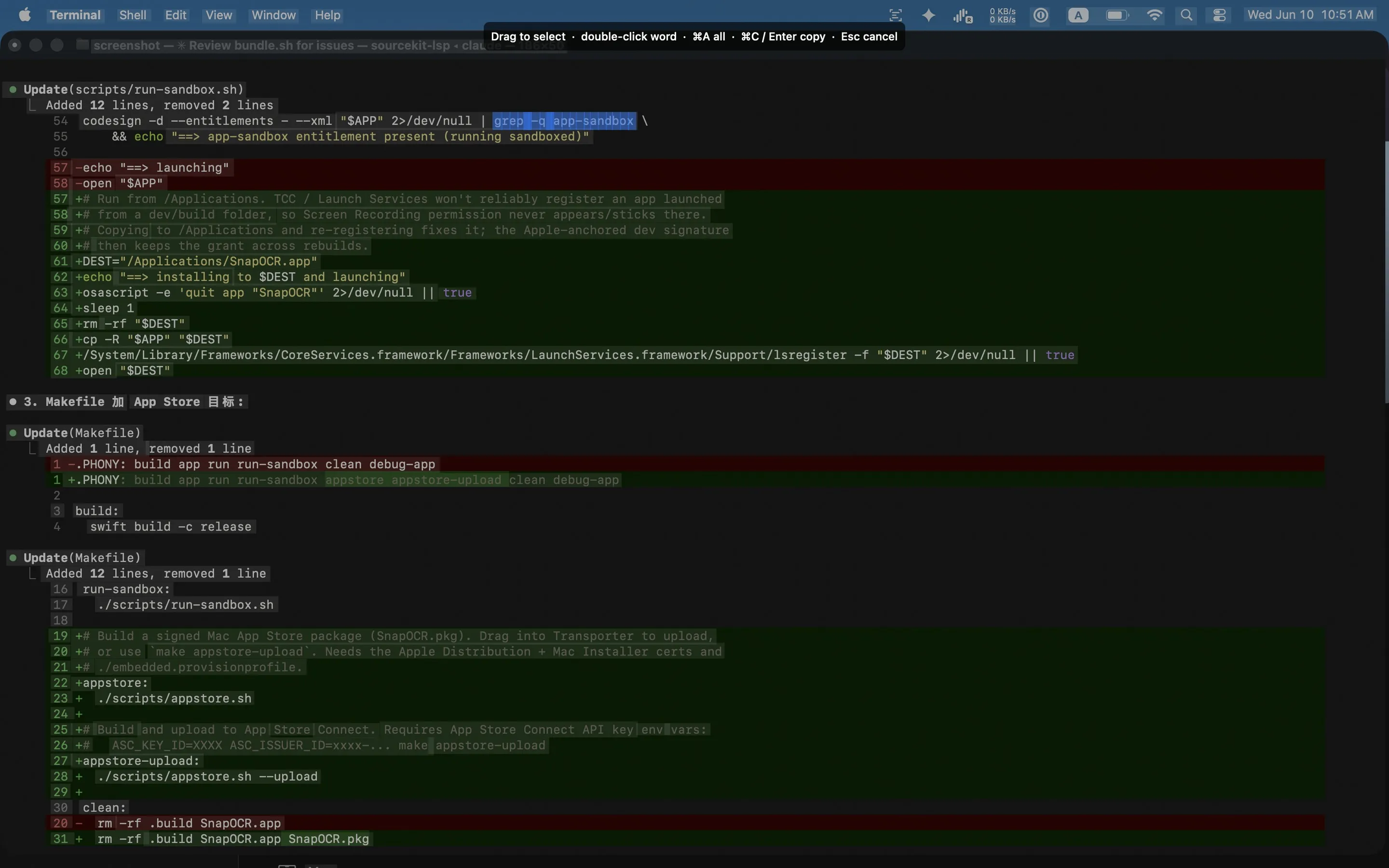
Text inside images, videos, and other apps is often impossible to select. One shortcut recognizes the current screen. Drag across the words you need and they are copied, without taking a screenshot first and feeding it into a separate OCR tool.
Private by design
The macOS version uses Apple’s ScreenCaptureKit and Vision frameworks. Capture and recognition happen on the device. There are no accounts, network requests, analytics, or tracking.
The Linux version follows the same interaction model, with a native capture and selection overlay built for COSMIC and Wayland.
In use